
Linux Foundation certification practice
CKA Practice Questions
Try 10 free CKA exam-style questions for Certified Kubernetes Administrator. Check each answer and review the explanation and source references.
- Exam code
- CKA
- Provider
- Linux Foundation
- Free questions
- 10
- Full set
- 83 questions
- Last update check
Our CKA exam simulator covers all the critical knowledge points of the real exam. We provide the latest actual CKA exam questions and answers right here at Cert Mage. With our included answer explanations and comprehensive CKA question bank, you will find everything you need to prepare and achieve the best score on your exam easily and quickly.
SIMULATION Score:7% 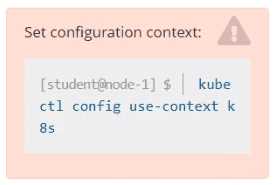 Context An existing Pod needs to be integrated into the Kubernetes built-in logging architecture (e. g. kubectl logs). Adding a streaming sidecar container is a good and common way to accomplish this requirement. Task Add a sidecar container named sidecar, using the busybox Image, to the existing Pod big-corp-app. The new sidecar container has to run the following command: /bin/sh -c tail -n+1 -f /va r/log/big-corp-app.log Use a Volume, mounted at /var/log, to make the log file big-corp-app.log available to the sidecar container.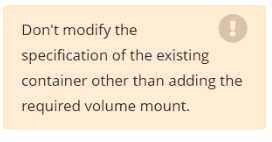
Source context
How this practice set is maintained
Maintained by the CertMage content team, this page loads questions from the exam dataset connected to its preparation resource. When an answer includes a supporting reference, it is shown with that answer so you can review the underlying vendor documentation.
Certification objectives, interfaces, and vendor services can change. Verify important details against the provider's current exam guide and documentation before your exam.